Run open models on your own machine, or bring the Claude Code, Codex or Cursor subscription you already pay for. Agent, diff review, Git and a terminal in one fast native window.
curl -fsSL https://maziluiosif.github.io/oxi/install.sh | sh
· · Homebrew and other options
macOS (Apple Silicon) · Linux (x86_64) · Windows (x86_64) · MIT licensed · no account
Everything happens in one window. Nothing leaves your machine unless you choose a hosted provider.
Local models are a guided setup, not a wall of settings.
llama.cpp runtime with one click, download a GGUF from HuggingFace, click Run.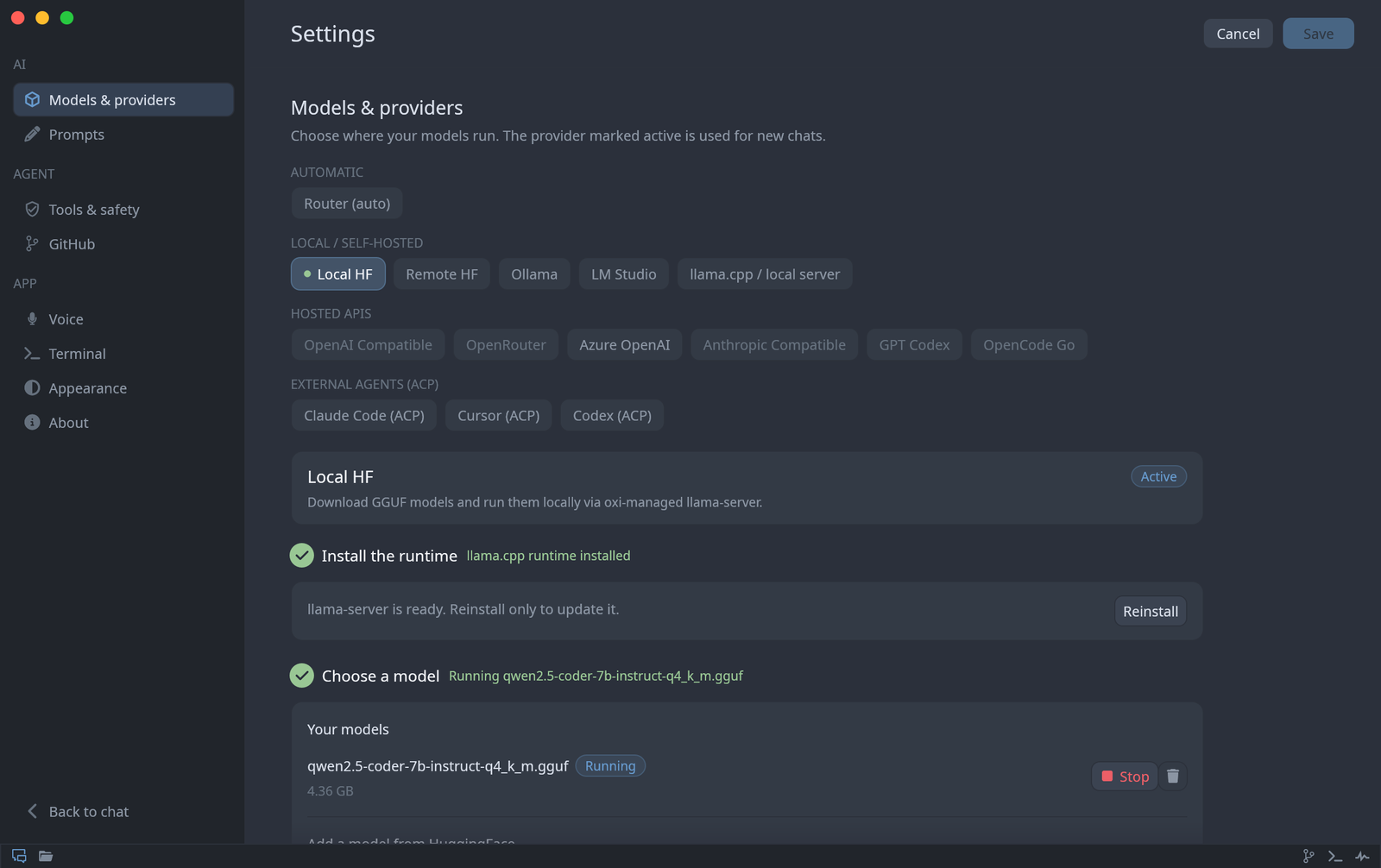
The agent reads, edits and runs commands in your workspace, and every step stays visible.
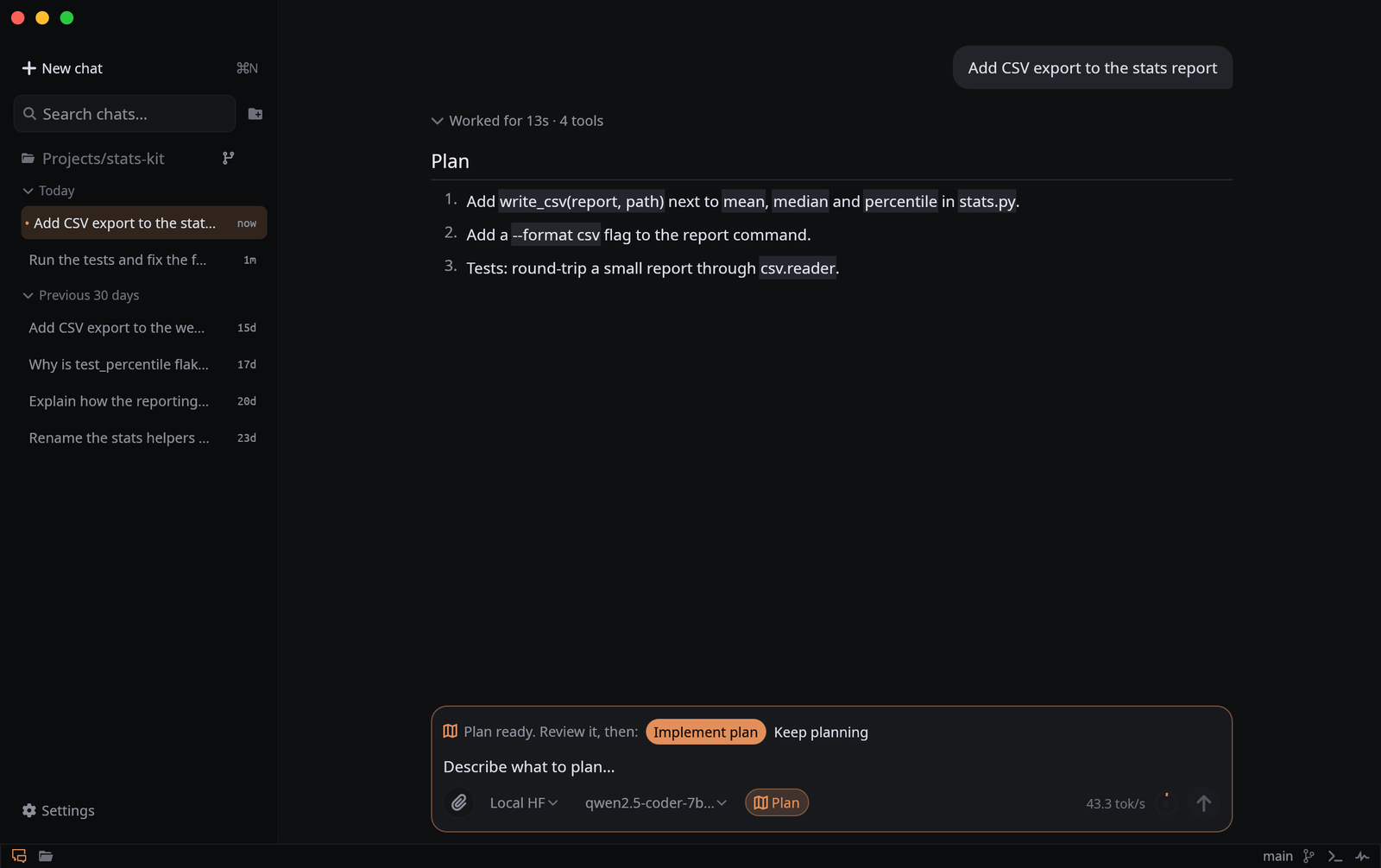
/plan to investigate before changing anything.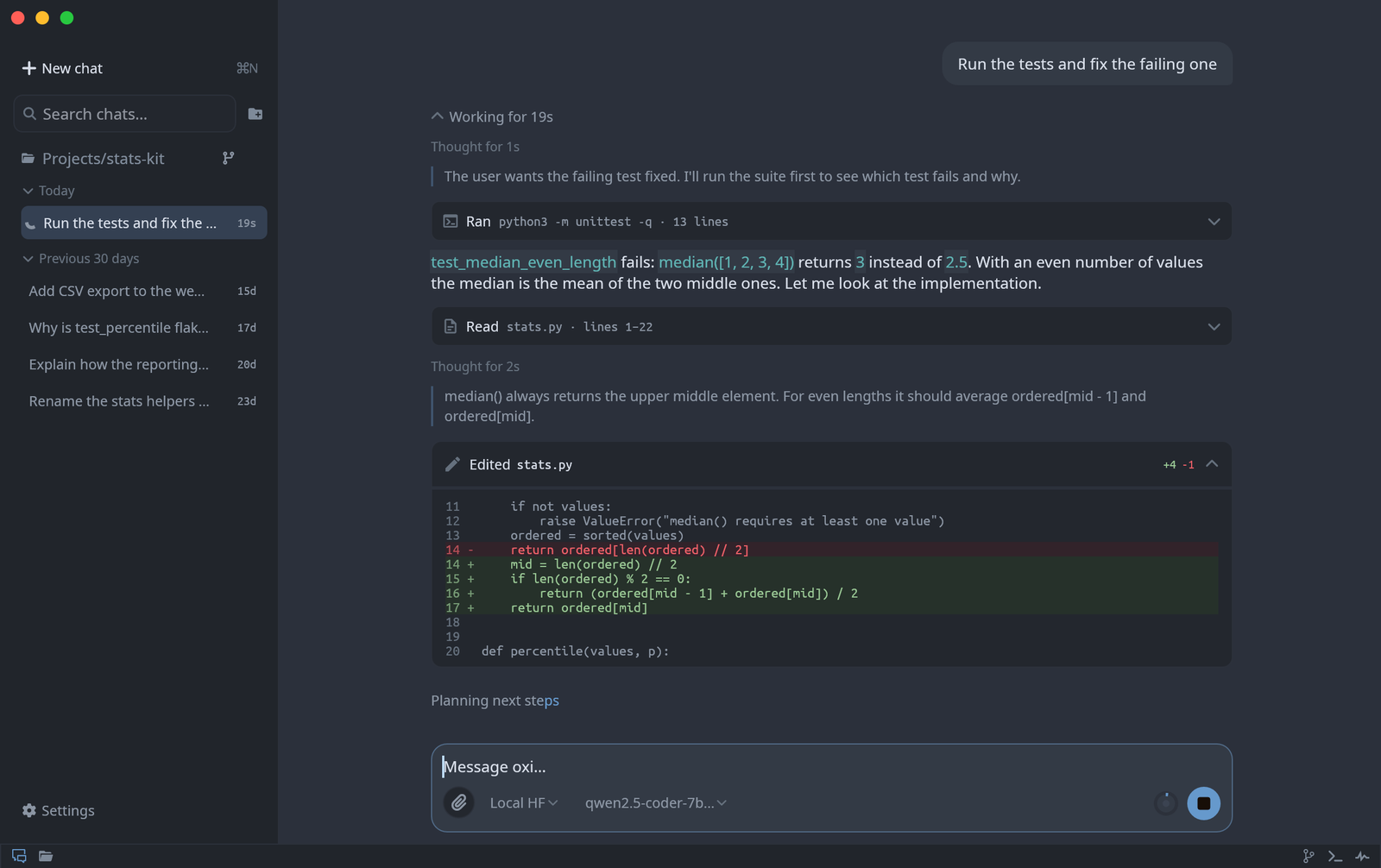
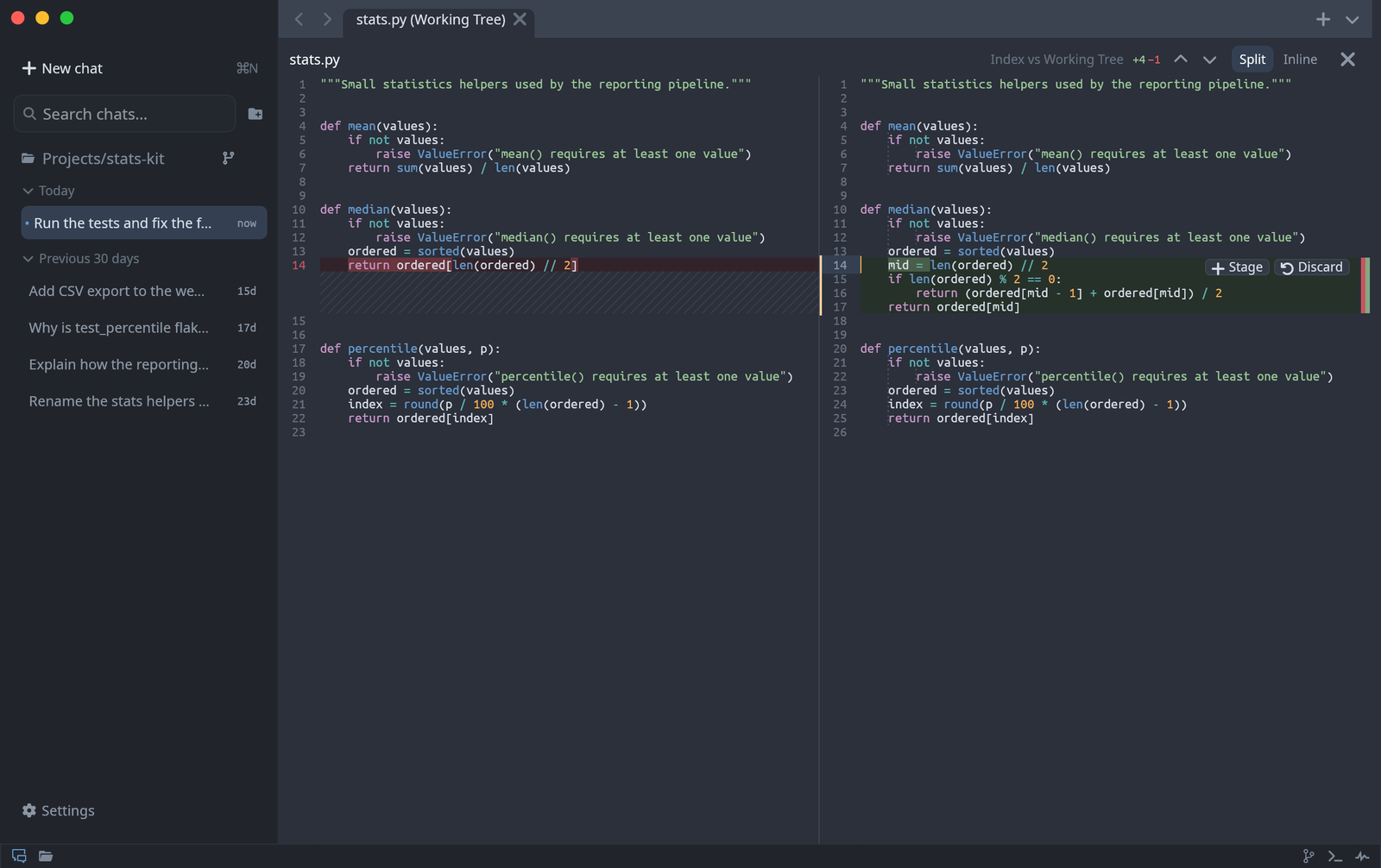
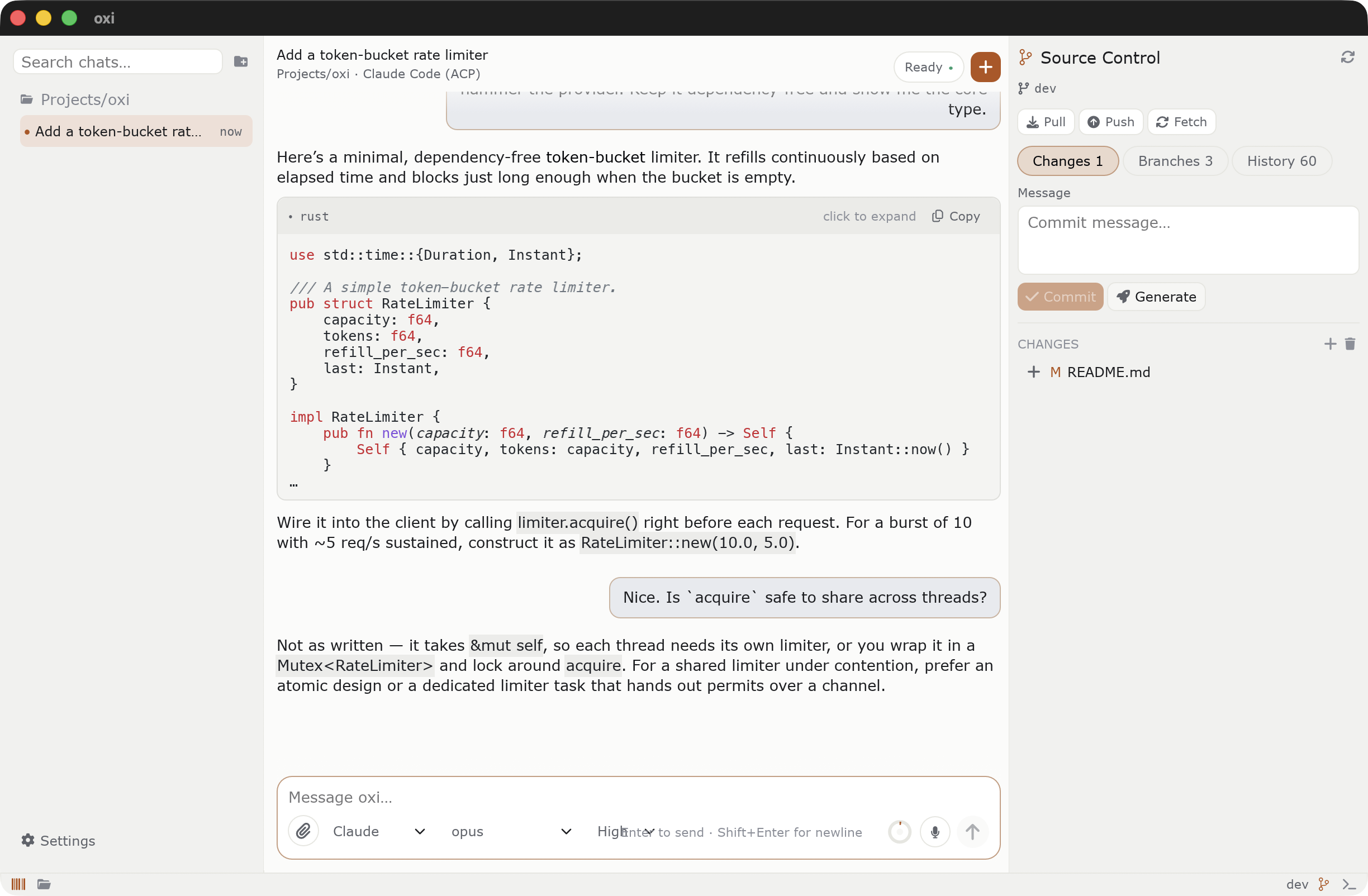
Every change opens in a real diff editor, next to the Git panel.
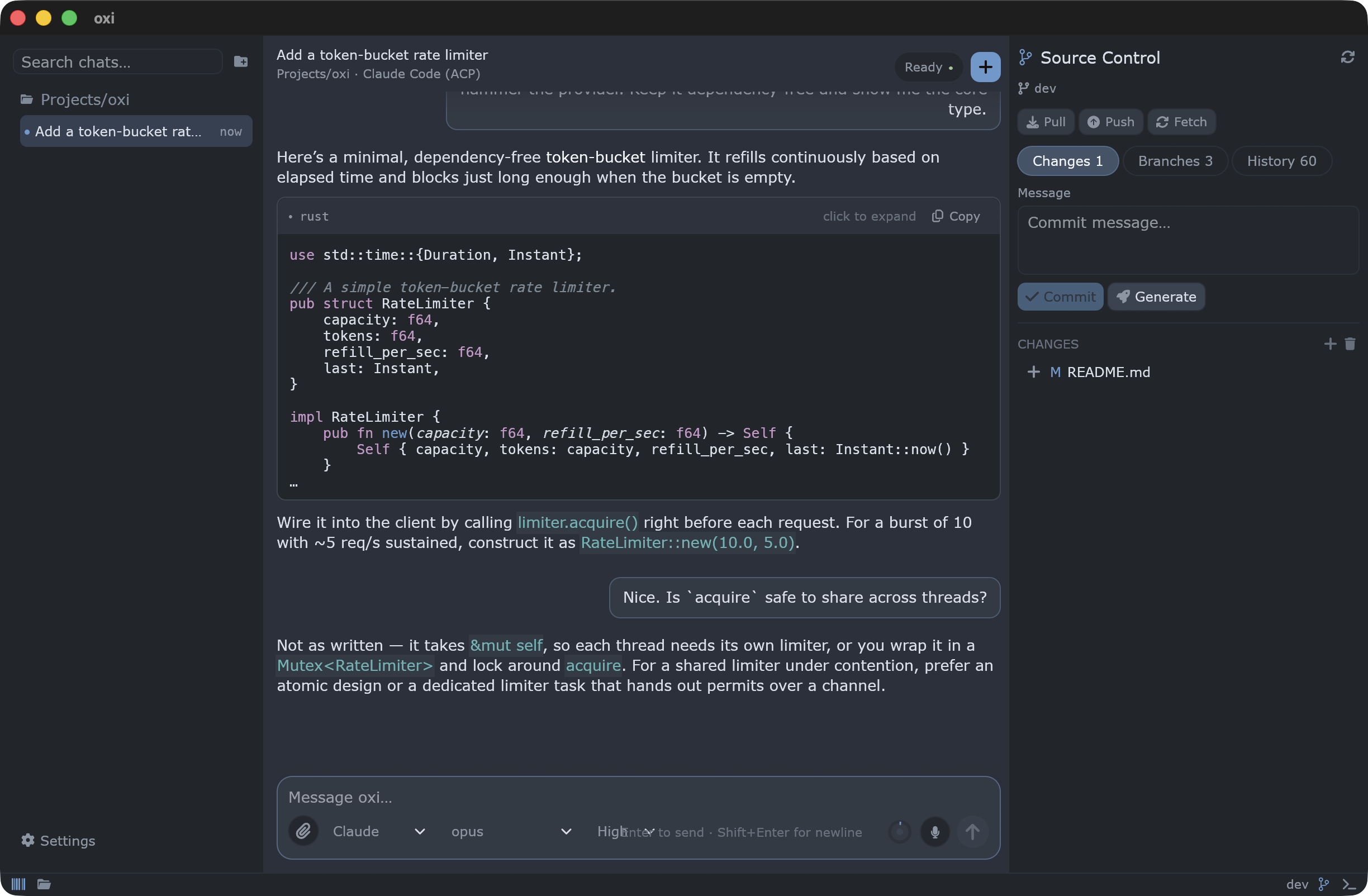
Most coding tools assume their cloud and their subscription. oxi lets you bring your own.
Find a GGUF on HuggingFace and click Run. oxi installs llama-server and starts the model, here or on a GPU box over SSH. LM Studio and Ollama work too.
Drive Claude Code, Codex or Cursor inside oxi over ACP, or sign in with ChatGPT. The Router picks a provider per task and switches when a quota runs out.
An editable diff editor with word highlights and block staging, plus tabs, go to definition, find and replace, a minimap and a terminal.
/plan investigates without touching a file and keeps a live checklist. One click turns the plan into changes.
One native binary, no bundled browser. Around 110 MB of RAM at idle, and a frame of a long chat draws in about a millisecond.
Chats, settings and models stay on your machine. Keys go to the OS keychain. Web search and voice dictation work without extra keys.
Measured on the real UI rendering a real workspace.
Release build on Apple Silicon.
Switch per chat from the composer, pick a default in Settings, or let the Router choose.
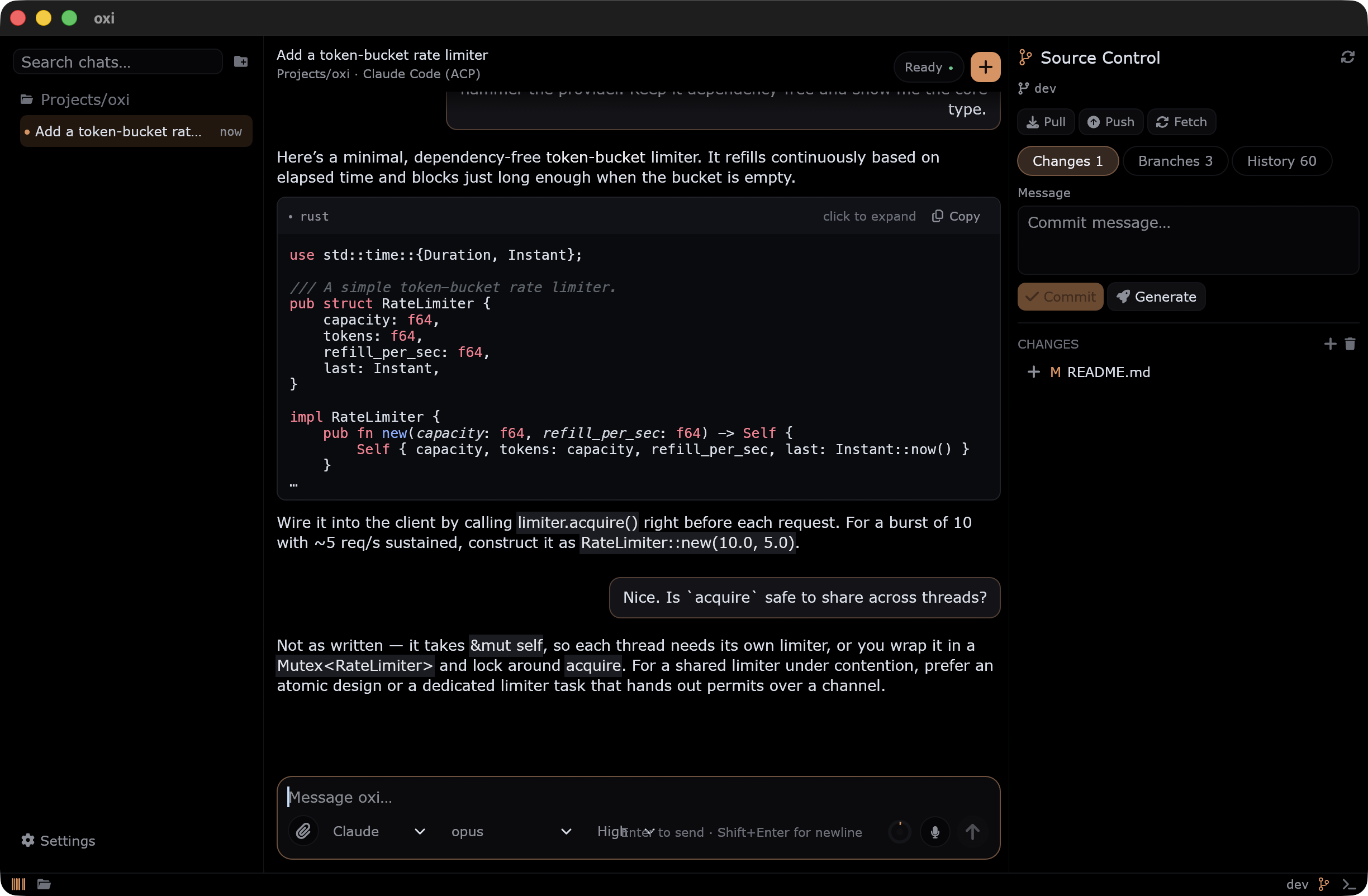
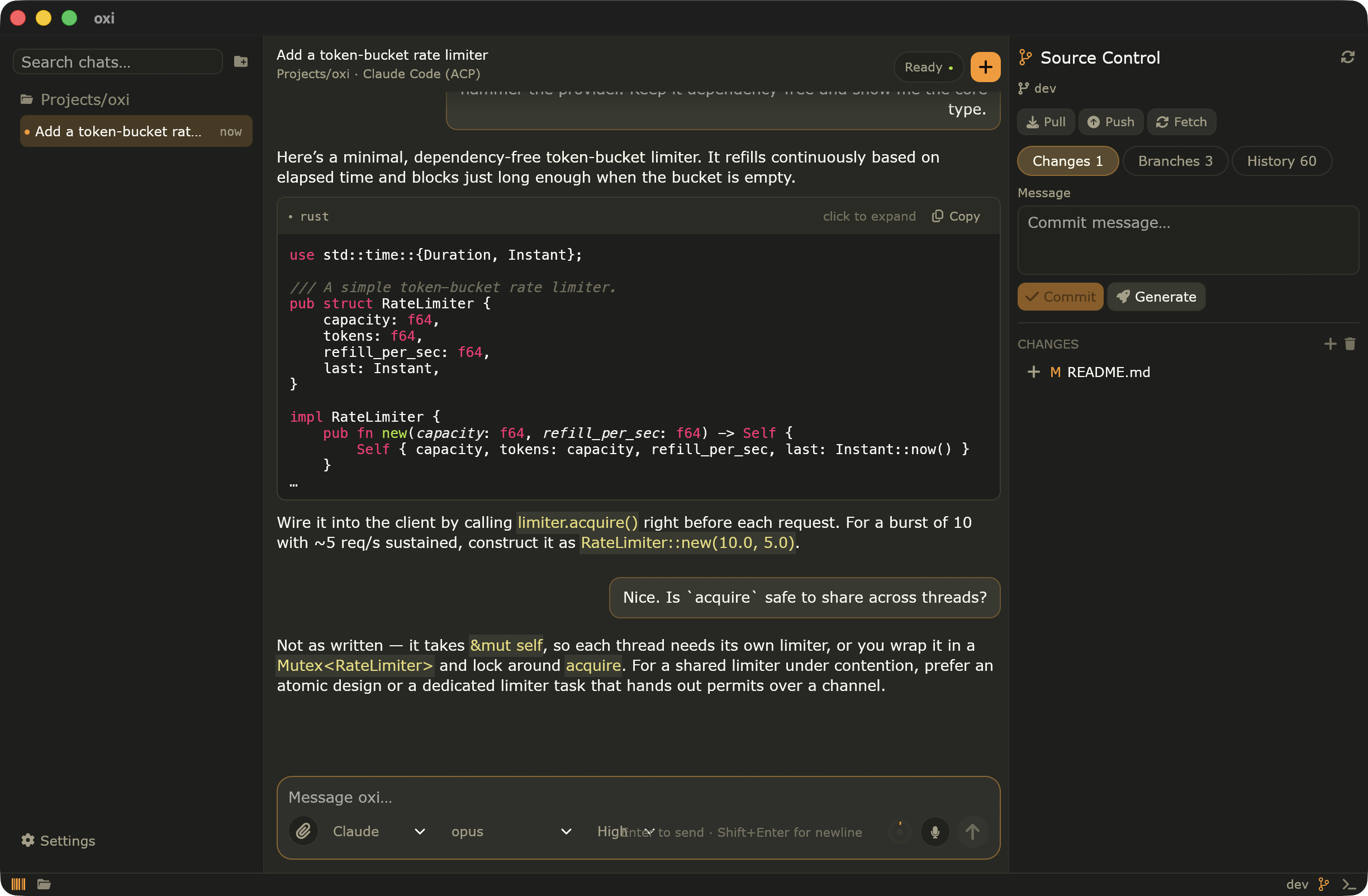
Each one restyles the whole app, editor included. Or load your own from JSON.
One command on macOS, Linux or Windows. Run it again to update.
Then run oxi in a project folder, or open it from your apps menu. oxi update updates it.
Get the archive for your platform from the latest release.
Yes. oxi is MIT licensed and has no account, no telemetry and no paid tier. You only pay for a hosted model if you choose one; local models cost nothing.
Not with a local model: the model, your chats and your settings all stay on your computer. With a hosted provider, the prompt and the files the agent reads go to that provider, as with any coding assistant.
No. Apple Silicon Macs run 7B to 14B coding models well. On a laptop without a strong GPU, run the model on another machine over SSH with Remote HF, or use a hosted provider.
oxi drives them over ACP with your existing login, and adds a desktop UI around them: the diff editor, Git, plan mode with a checklist, and a Router that can switch to a local model or another subscription when a quota runs out.
The app isn't signed with a paid Apple or Microsoft certificate. The one-line installers avoid the warning; with a manual download, run xattr -cr /Applications/oxi.app on macOS, or click More info → Run anyway on Windows.
File edits and shell commands can ask for approval first, and that prompt is the real safety boundary: commands and MCP tools are not sandboxed. Plan mode lets the agent investigate without changing anything.
One command, a minute to install, and your first fix a few minutes later.
 oxi
oxi